
Free, experimental
Do you snore loudly?
Start AirScan's free, radiation-free sleep apnea pre-screening. Get an experimental Risk score. Not a diagnosis.
You sign in with Google before the scan starts.
- FreeFor patients
- 8 anglesGuided camera capture
- Pre-screeningNot a diagnosis

Step 1 of 8
Look straight ahead
Face the camera with a neutral expression.
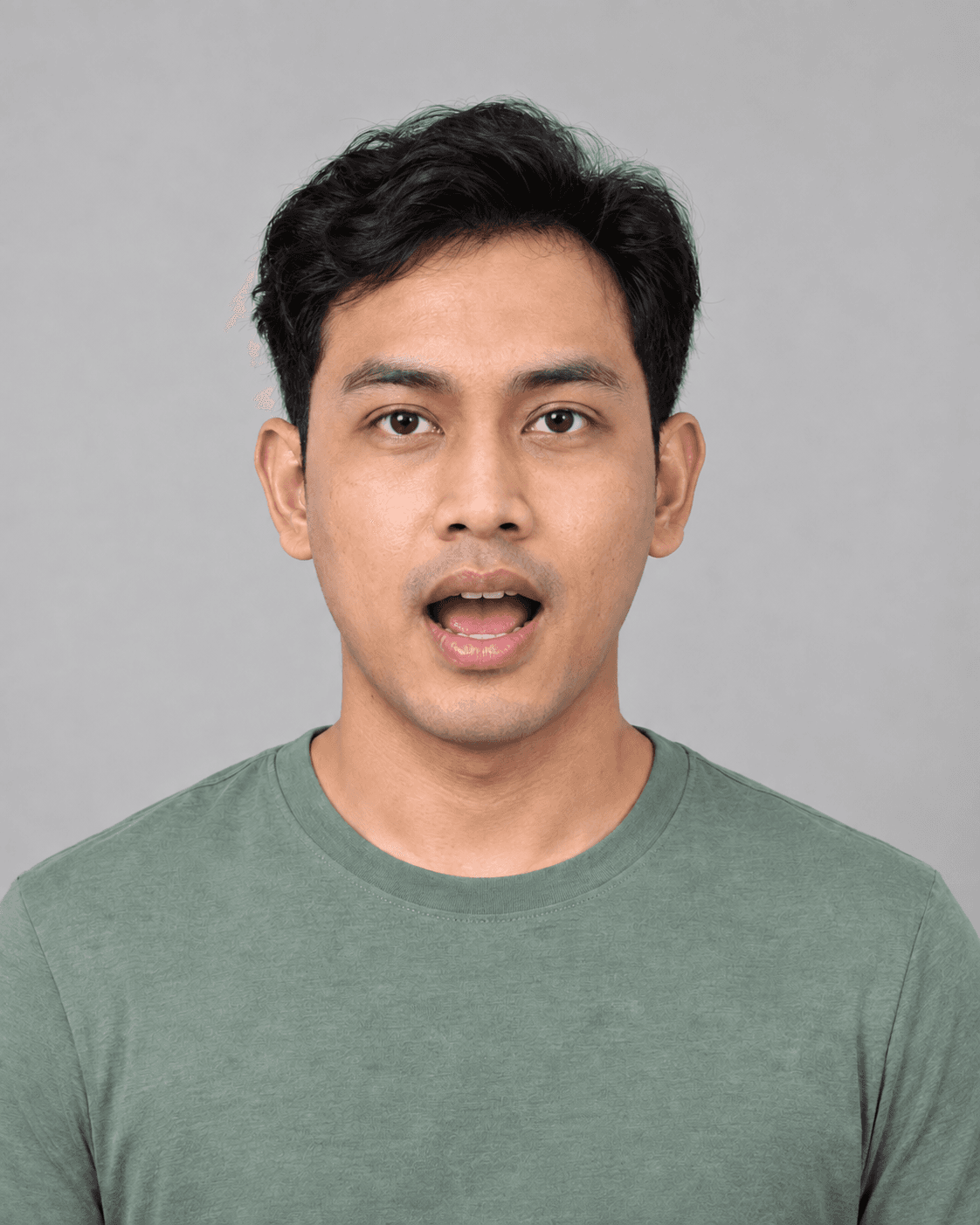
AI-generated pose examples with an illustrative detection overlay. Guidance only; not a real scan or measurement.
How it works
From consent to your result, one step at a time.
- 1
Consent
Before the camera turns on, read what is collected and how it is used, including for research.
- 2
Details and questionnaire
A few basic details, then STOP-BANG for adults or the Paediatric Sleep Questionnaire for children aged 2–17.
- 3
Eight-angle scan
On-screen guidance through eight camera angles of your face, mouth, neck and nose.
- 4
Your result
A Risk score from 0 to 100 with a Low, Elevated or High concern band, and a PDF to download. This is not a diagnosis. Please consult a clinician.
Today you sign in with Google before the scan. Scanning first and signing in only to see your result is coming.
- A device with a camera
- A well-lit room, facing the light
- Your height and weight
- For a child: a parent or guardian present
Pre-screening only. A clinician makes any diagnosis.
Technology
Eight guided angles. One Risk score.
Face-landmark detection guides each capture in your browser. Landmark data from the scan and your questionnaire answers are sent to AirScan's server, where a formula calculates your Risk score. The score request carries landmark numbers and sizes, not images.
- 01Look straight aheadFace the camera with a neutral expression.
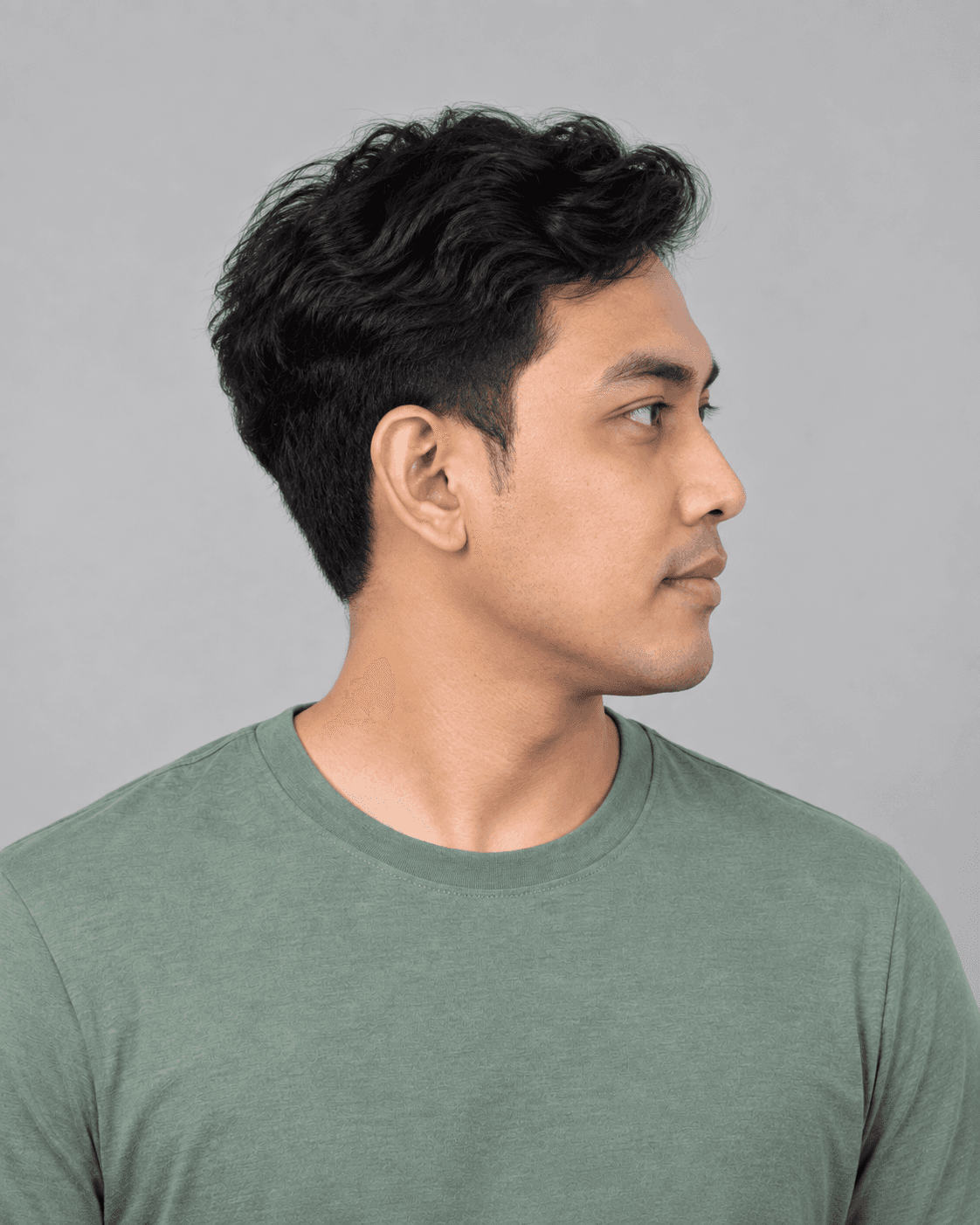 02Turn your head to your leftTurn until your right cheek faces the camera. Keep your chin level.
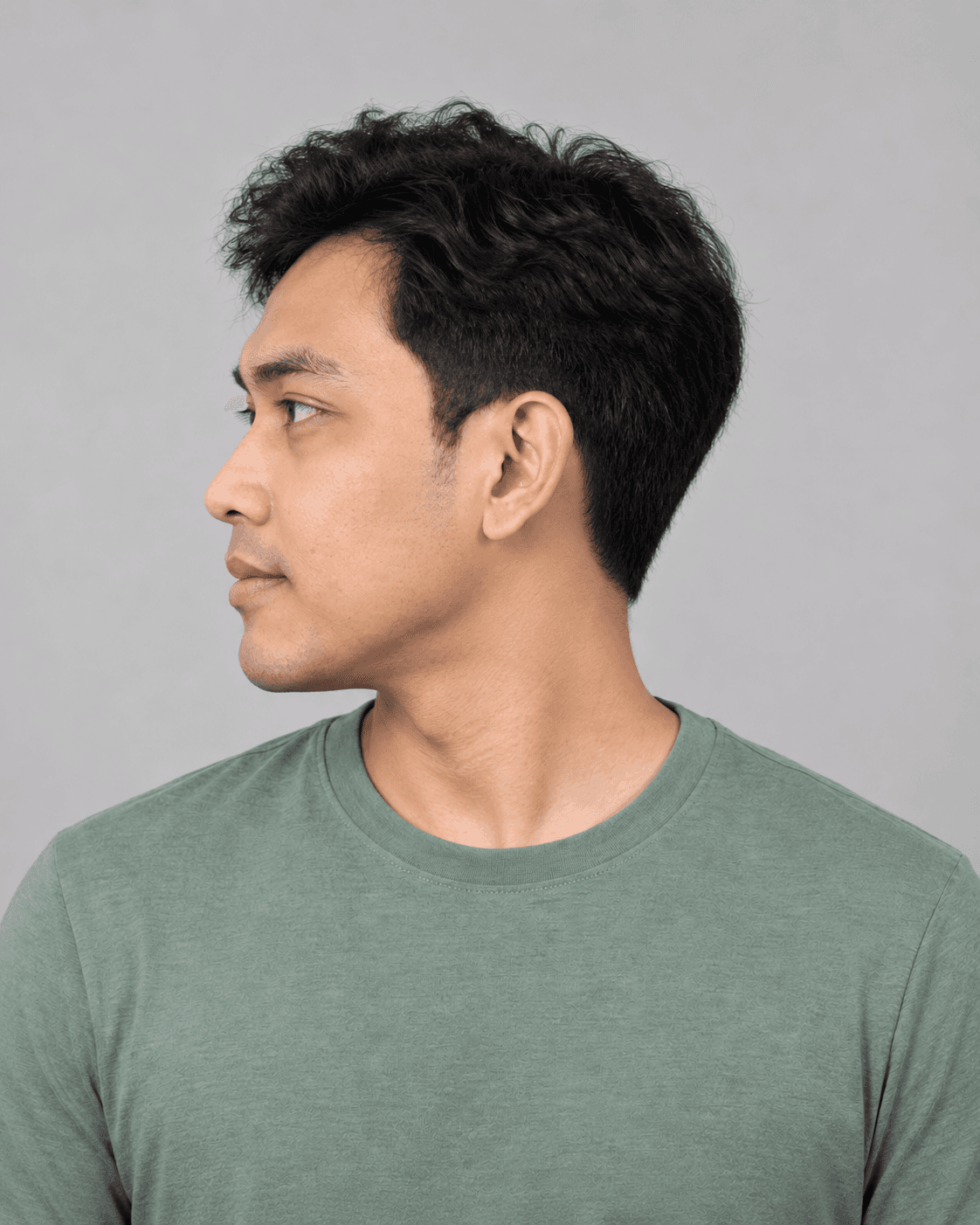 03Turn your head to your rightTurn until your left cheek faces the camera. Keep your chin level.
 04Open your mouth wideFace forward, open wide and say “Ahhh”.
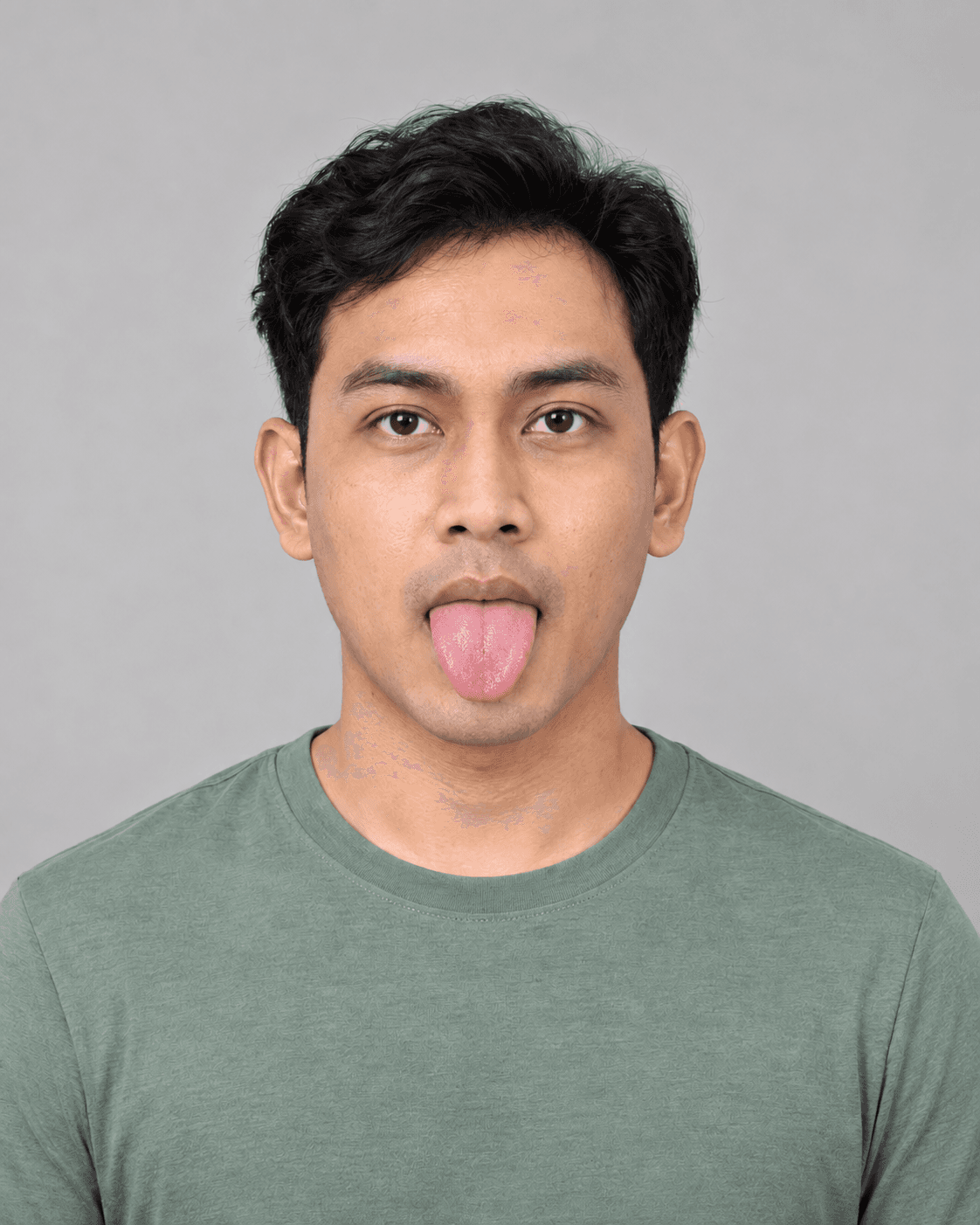 05Stick your tongue outFace forward, mouth open, tongue out as far as is comfortable.
 06Tongue relaxedFace forward, mouth open, tongue resting inside.
 07Show your neck and shouldersFace forward and sit back so both shoulders are in the frame.
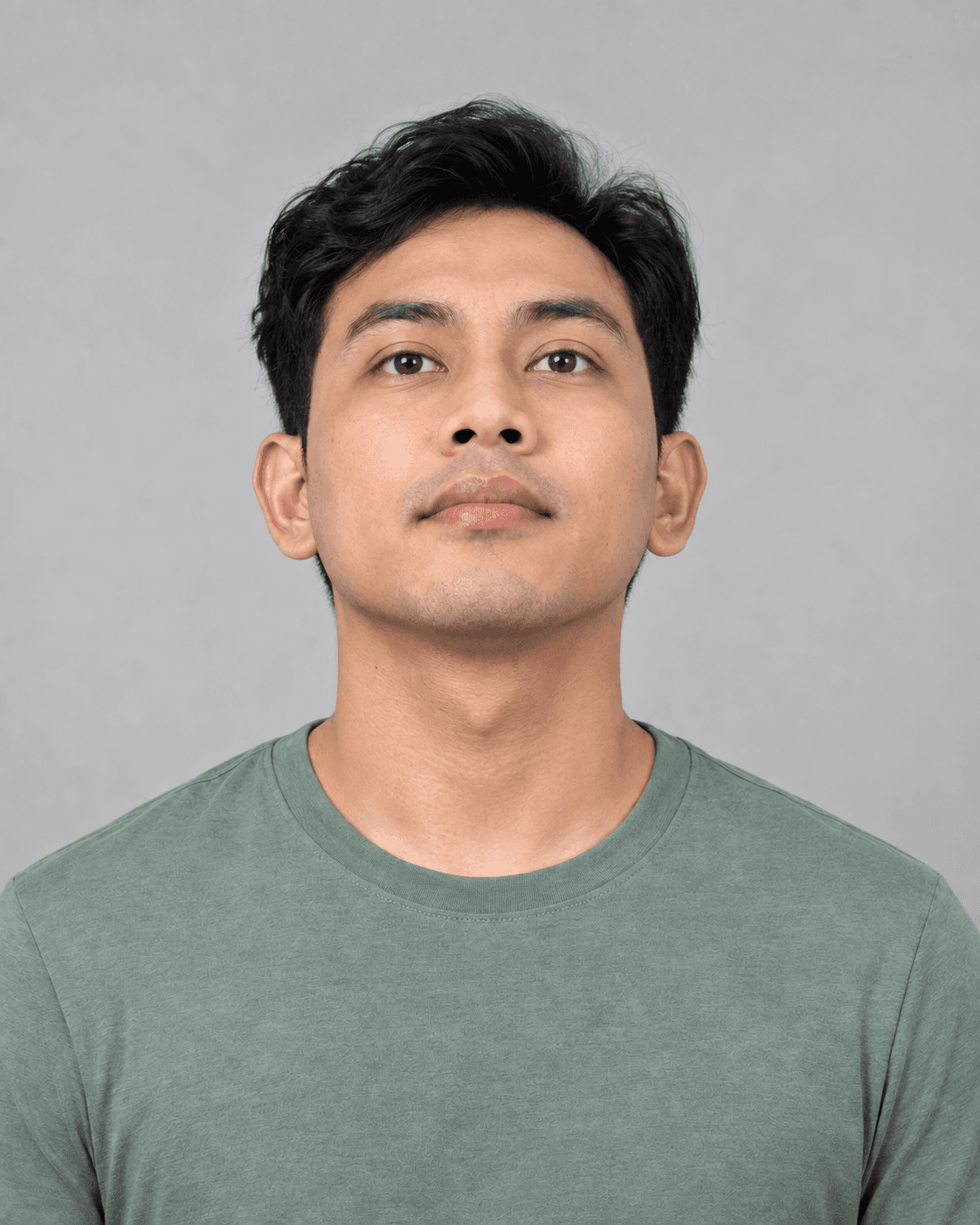 08Tilt your head backFace forward, tilt your head slightly back so your nostrils are visible.
AI-generated pose examples for guidance, with an illustrative detection overlay. These are not patient photographs or scan results.
New formula-scored results record their formula version. The formula is experimental and has not been clinically validated.
Partner clinics
Choose a clinic. Choose a doctor. Review your visit.
Explore the appointment journey with fictional clinics and doctors today. Real partner-clinic booking and result sharing are in development.
Try the five-step clinic demo
- 1
Choose a clinic
Explore fictional sleep, family and ENT clinics, each with different demo sessions.
- 2
Choose an appointment
Pick a consultation or review and see its duration. The choices depend on the clinic.
- 3
Choose your doctor
Browse fictional doctor profiles, consultation focus, languages and session days.
- 4
Choose a day and time
The calendar shows your selected doctor’s demo availability, in Malaysia time.
- 5
Review the details
Check the clinic, doctor, appointment and time. Edit your selection or view a demo confirmation. Nothing is booked or sent.
Your result will go to a clinic only when you say so. Planned result sharing is a separate action: choose a clinic and explicitly confirm the share. Booking alone will not share your Risk score.
No partner clinics are listed yet. Only paying partner clinics appear, and the directory opens when the first clinics join.
- Clinic address, services and languages
- Call, WhatsApp or directions when the clinic provides the details
Explore a fictional clinic demo Choose a clinic, appointment, doctor and time, then review the details. All clinics and doctors are fictional. Nothing is booked or sent.
Run a clinic? See how partnership works